Counter-Strike 1.6 Port
Unofficial port of Counter-Strike 1.6 for R36S/ArkOS devices. Based on Xash3D FWGS engine.
IMPORTANT
You must provide your own game data (cstrike and valve folders) from a legally owned copy of the game (e.g., Steam).
INSTALLATION
1
Download the port package from the GitHub repository.
2
Copy the 'counter-strike' folder and 'counter-strike.sh' file to your SD card's ports directory.
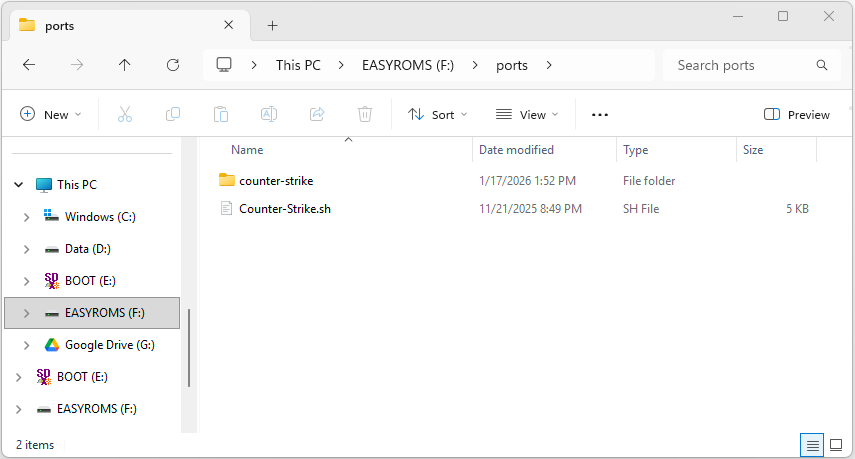
/roms/ports/counter-strike//roms/ports/counter-strike.sh
3
Copy your Half-Life 'valve' folder to the port directory.
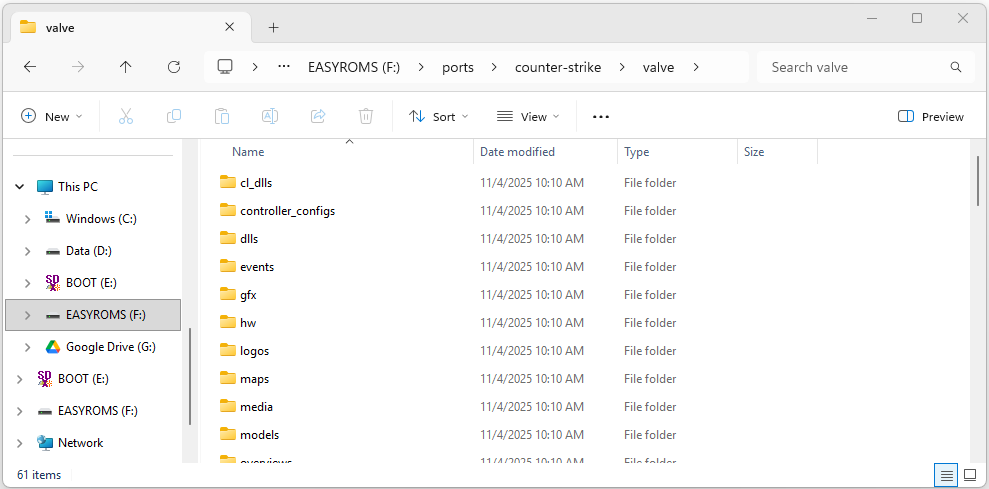 Do not overwrite existing files if prompted.
/roms/ports/counter-strike/valve/
4
Copy your Counter-Strike 'cstrike' folder to the port directory.
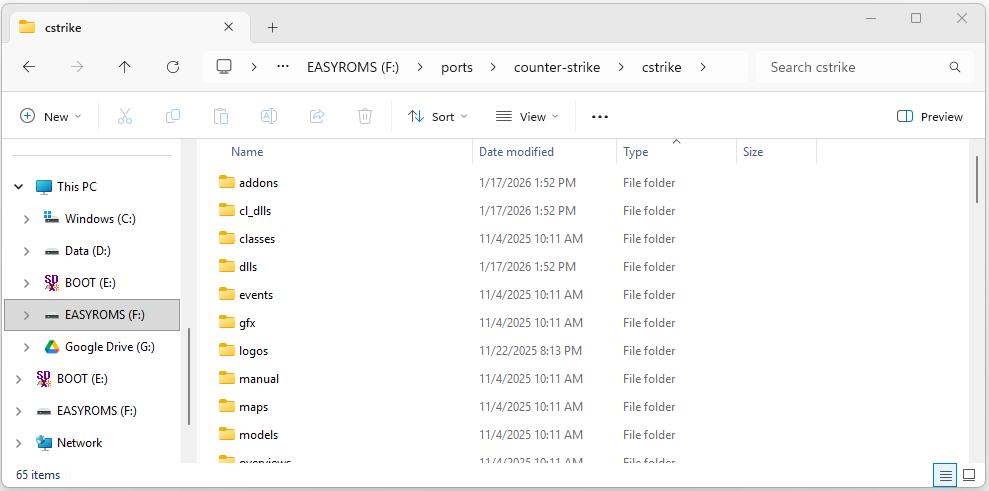 Skipping existing files preserves bot configuration!
/roms/ports/counter-strike/cstrike/
LOCATING STEAM FILES
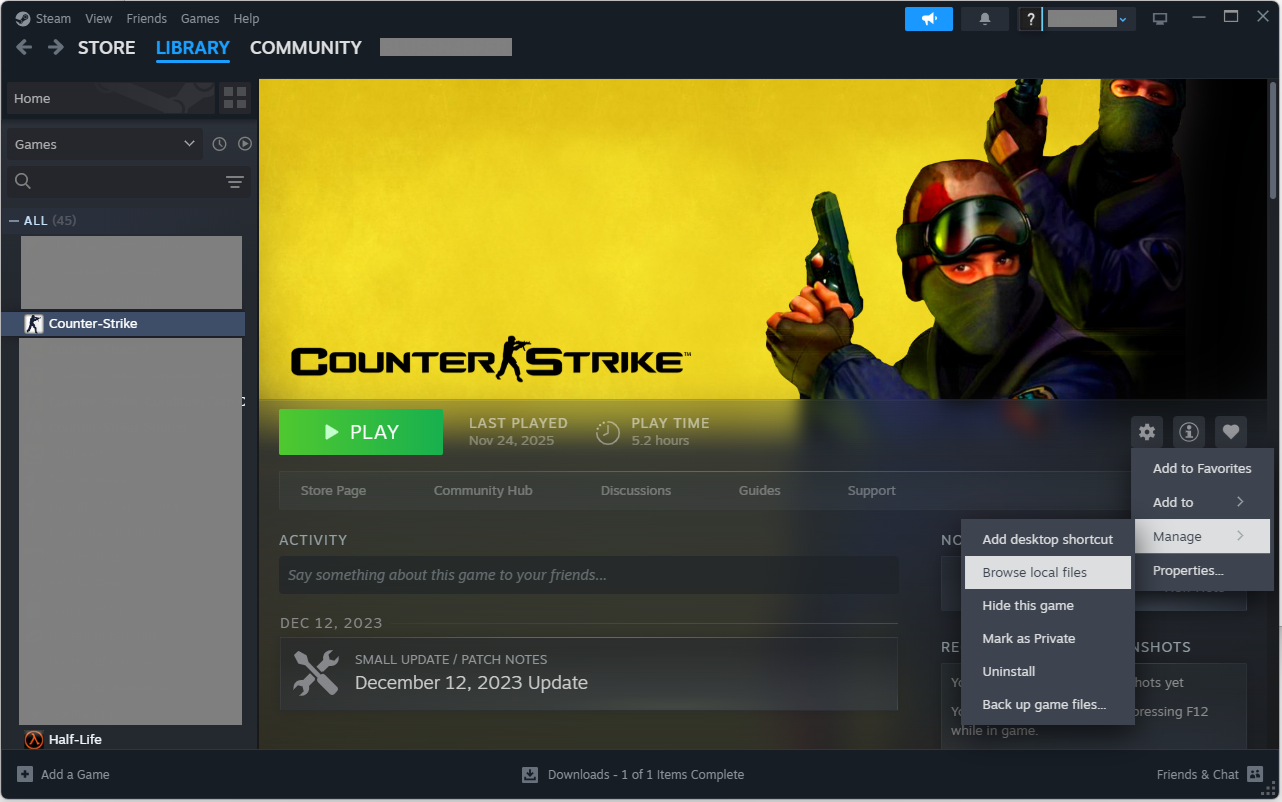
If you own Counter-Strike on Steam, you can easily find the files:
- Open Steam and go to your Library
- Right-click Counter-Strike
- Choose Manage → Browse local files
BOTS & ONLINE
This port comes with YaPB (Yet another POD-Bot) support for offline play.
- Bots work out of the box if you didn't overwrite
liblist.gam. - To enable "Play Online" menu, edit
userconfig.cfgand add:ui_menu_play_online 1
CONTROLES
Crouch (L1)
Walk (L2)
D-Pad Slots
Move
Slot 10 (Select)
Fire (R1)
Sec. Fire (R2)
Ammo (X)
Use (A)
Jump (B)
Reload (Y)
Aim
Scoreboard (R3)
Game Menu (Start)
L1
L2
R2
R1
X
Y
A
B
S
ST
F
SCREENSHOTS
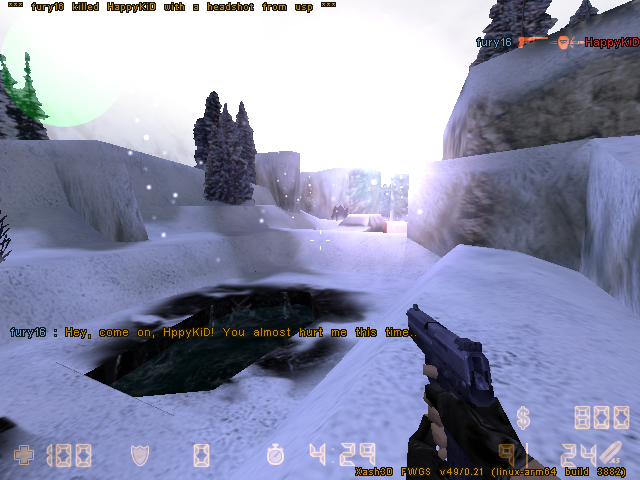
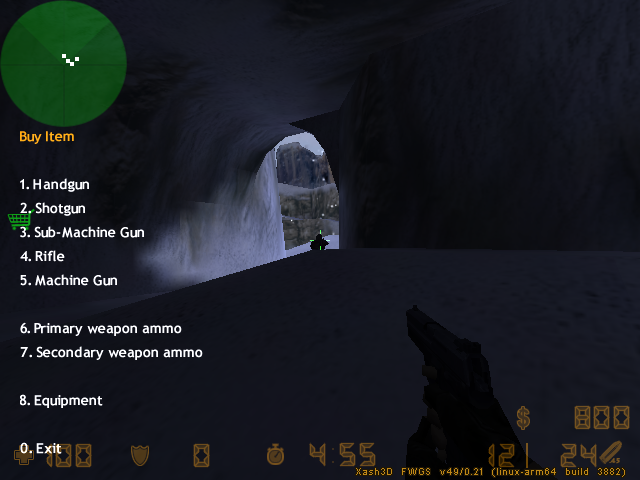
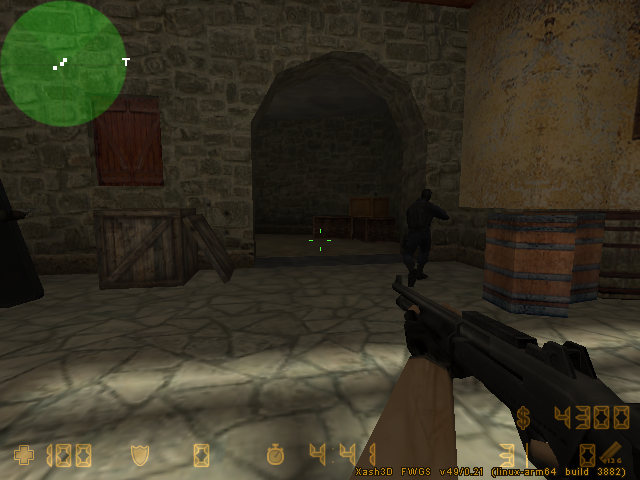
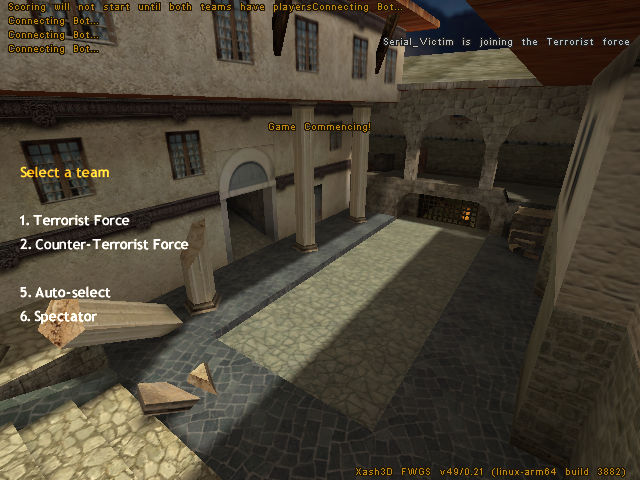
CREDITS
Huge thanks to the developers who made this possible:
- Ryan Gunn
(Port Author, Guide & Screenshots source) - u/jcasallecchio87 - Community testing & original guide
- client-cs16 - Open-source CS 1.6 client base
- ReGameDLL_CS - Open-source Game DLLs
- YaPB - Bot support
- Xash3D FWGS - Engine